PRINCIPAL SEAT

Screenshots

Every screen here comes from Demo mode, a built-in fictional sample search. The names, companies and figures are made up. The gold bar at the top of each screen is the Demo mode reminder.

iPhone
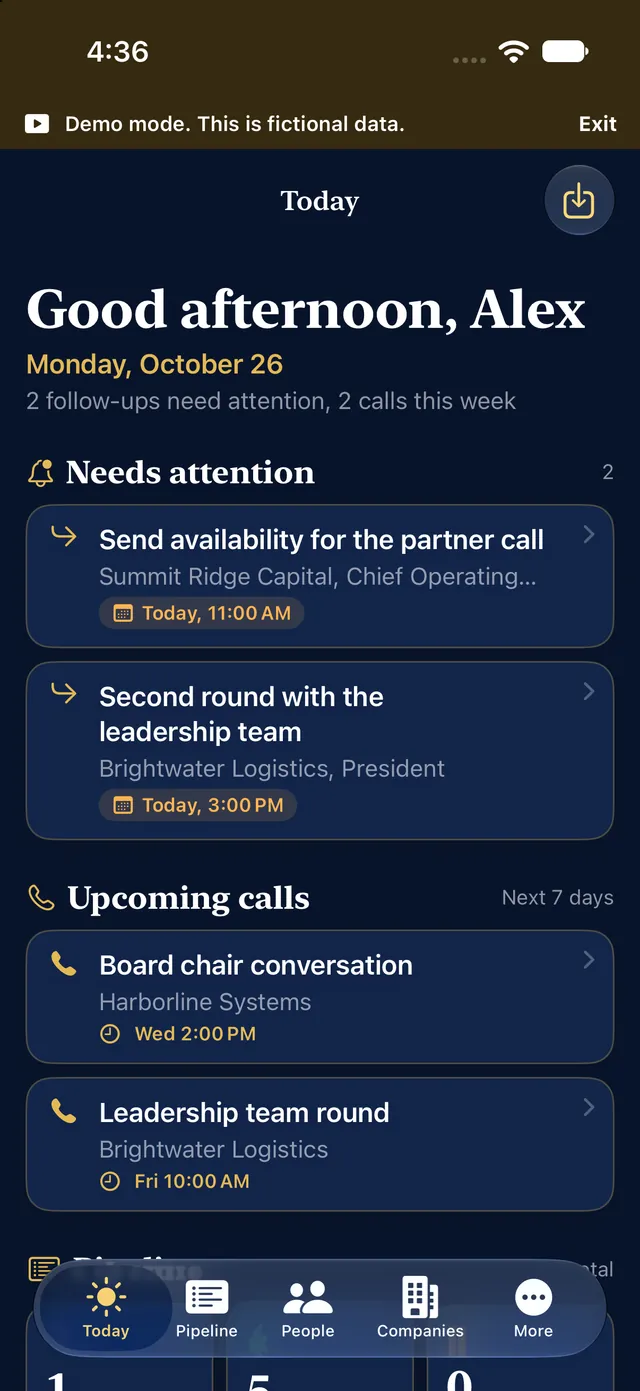
The Today screen on iPhone: two items under Needs attention and two upcoming calls, with a Demo mode bar at the top
Today: what needs attention and upcoming calls
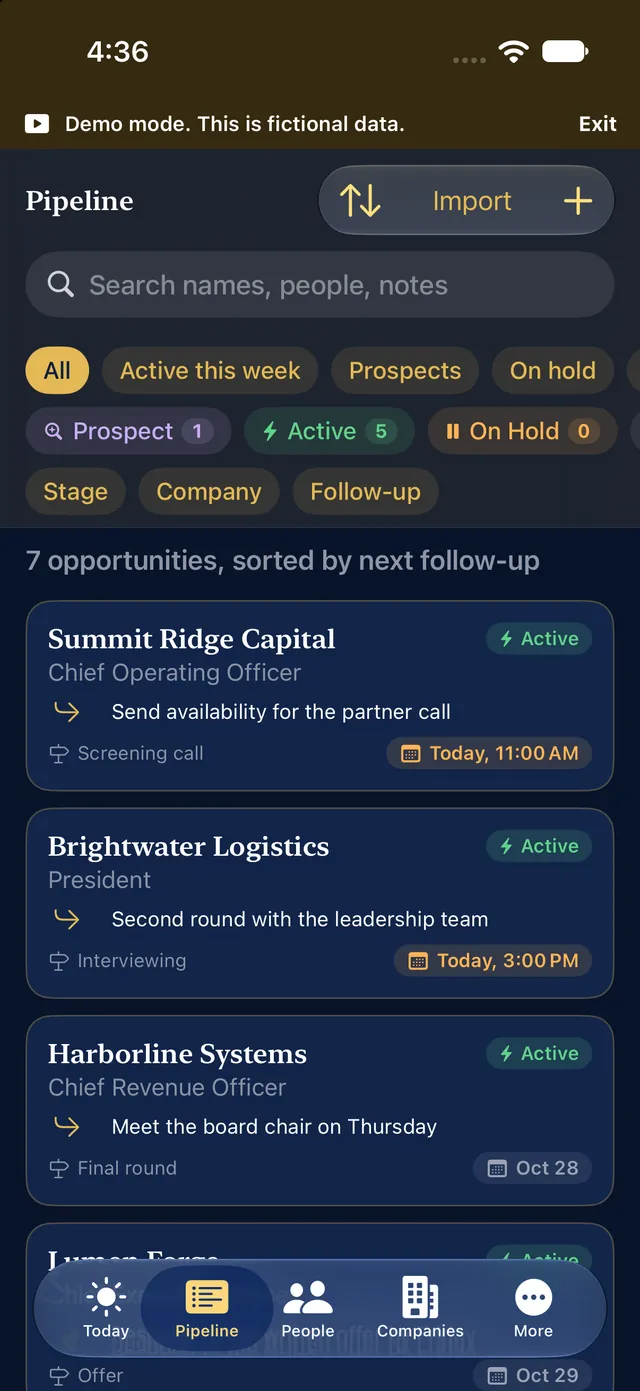
The Pipeline screen on iPhone with search, status filters and a list of fictional opportunities sorted by next follow-up
Pipeline with status filters
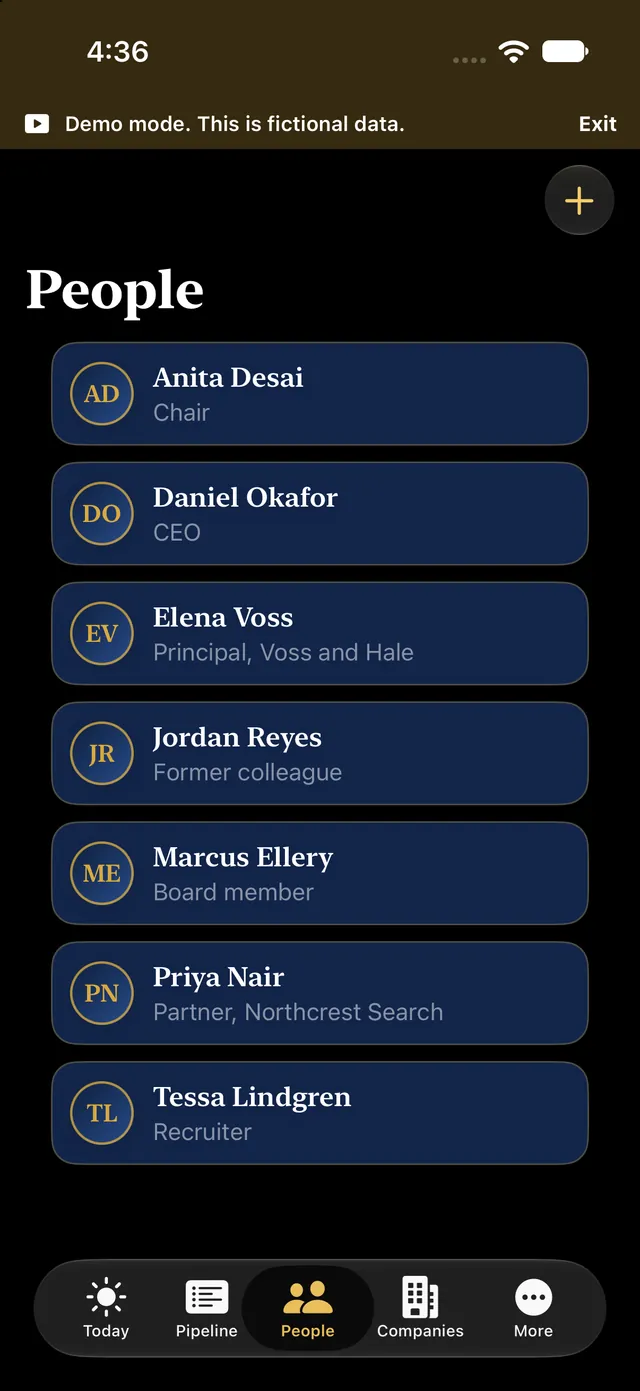
The People screen on iPhone listing seven fictional contacts with their roles
People
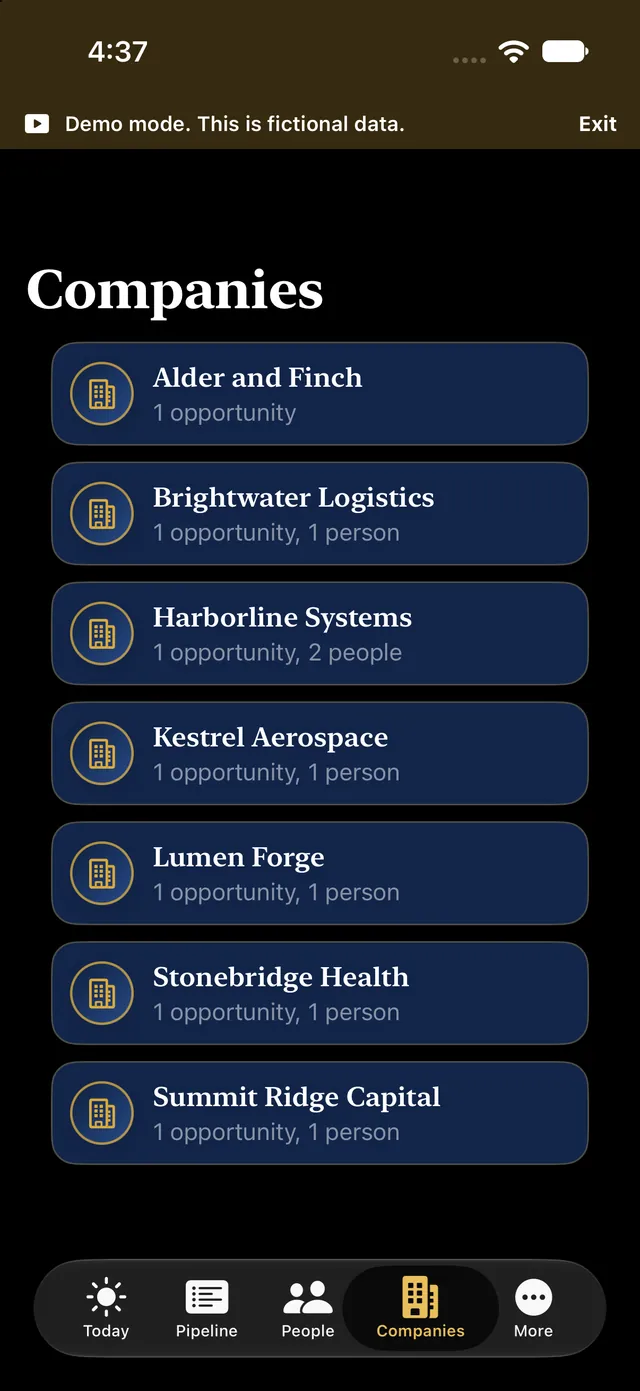
The Companies screen on iPhone listing seven fictional companies with their opportunity and people counts
Companies
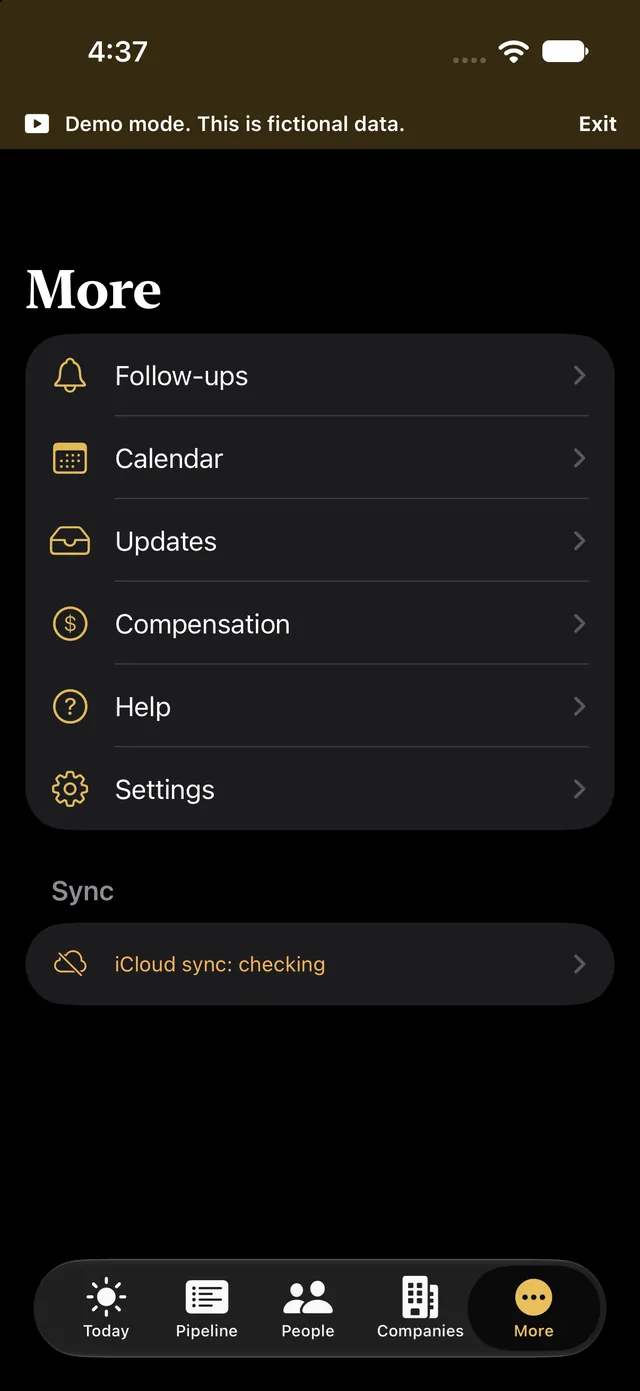
The More screen on iPhone with Follow-ups, Calendar, Updates, Compensation, Help and Settings
More: Follow-ups, Calendar, Updates, Compensation Premium, Help and Settings

iPad

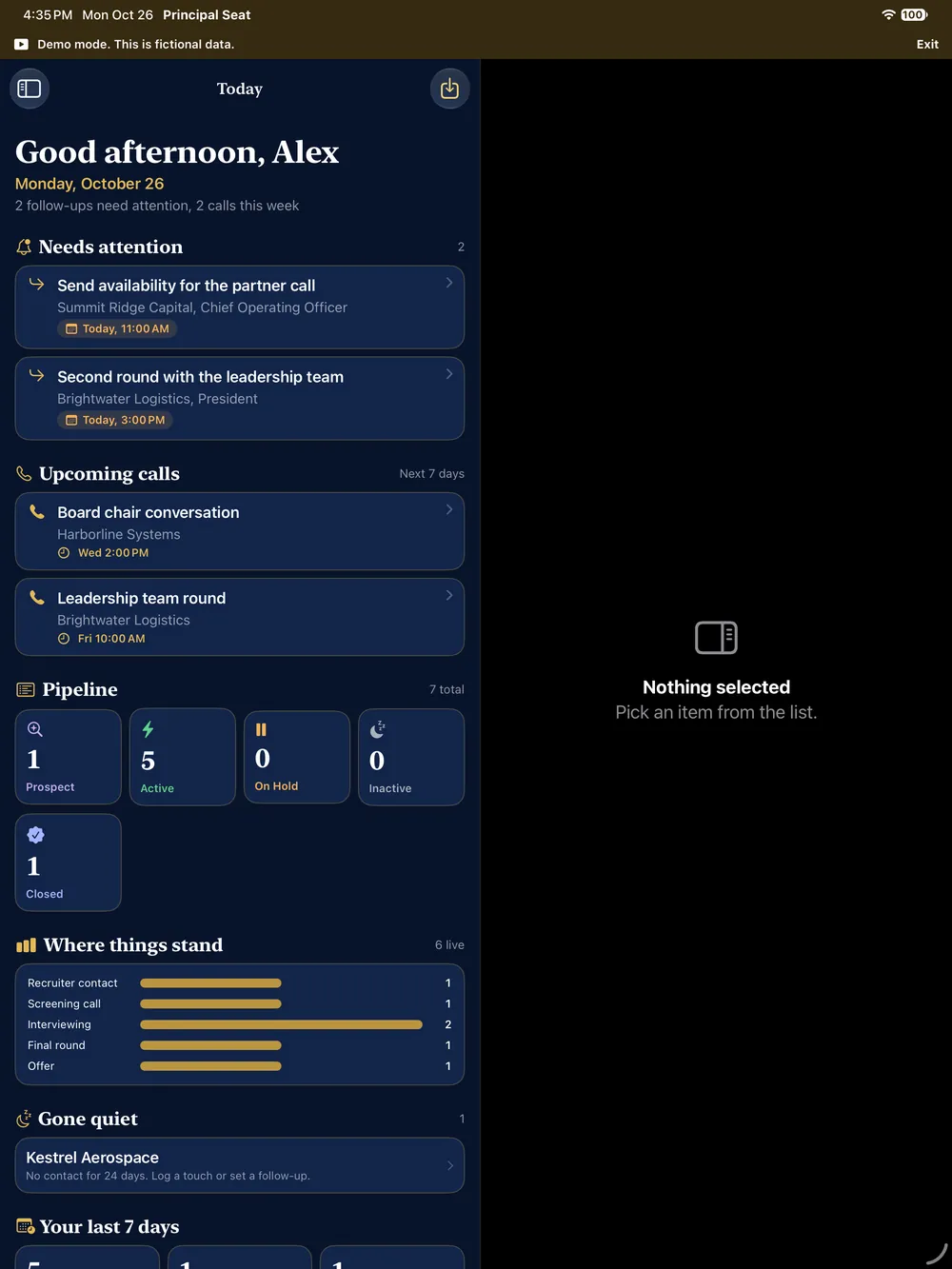
The Today screen on iPad with needs-attention items, upcoming calls, a pipeline funnel by stage and a Gone quiet flag for one opportunity
Today, with the pipeline funnel and a quiet-opportunity flag
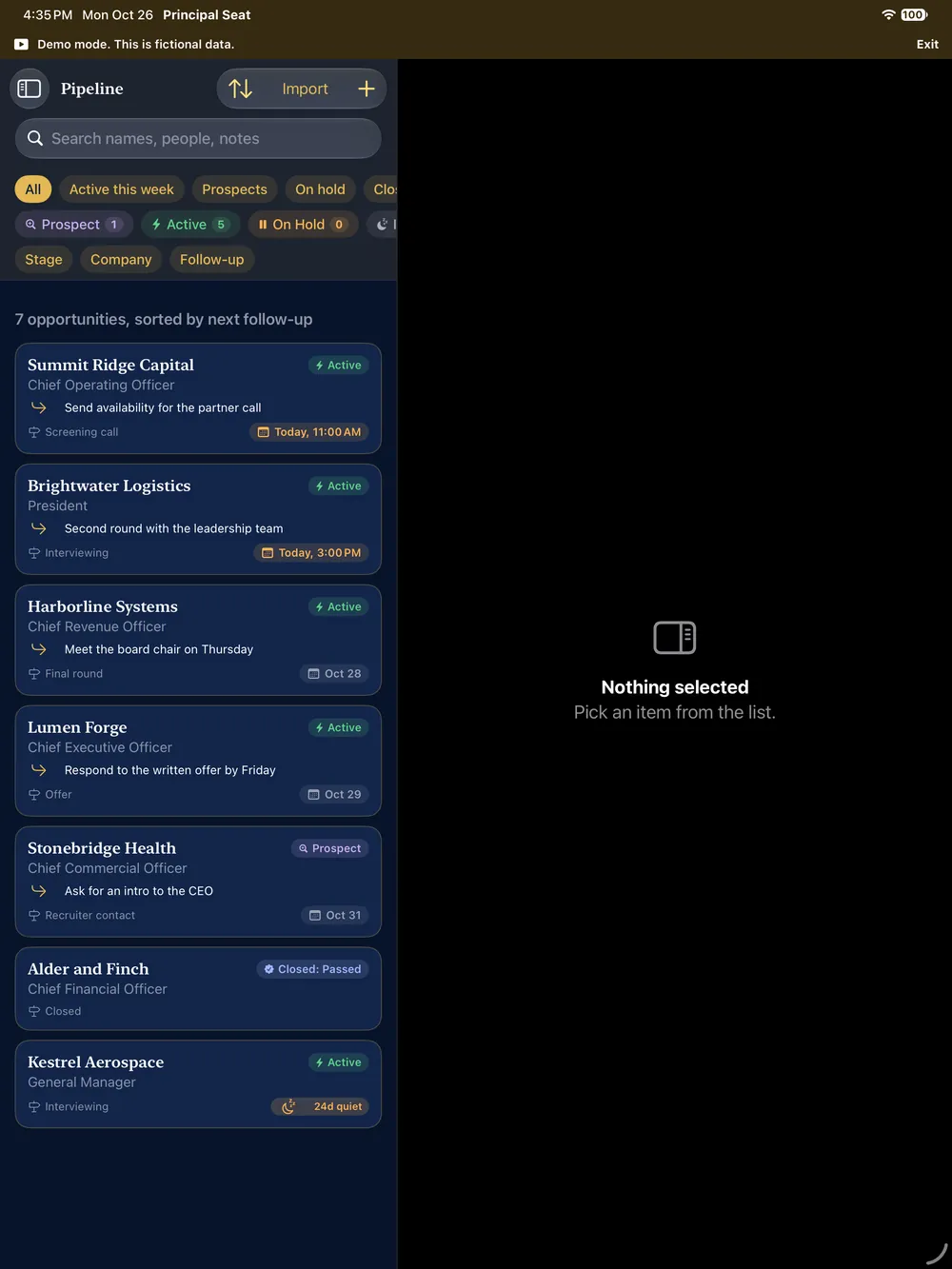
The Pipeline on iPad: seven fictional opportunities with statuses, stages and follow-up dates, one flagged as 24 days quiet
Pipeline, with a quiet flag
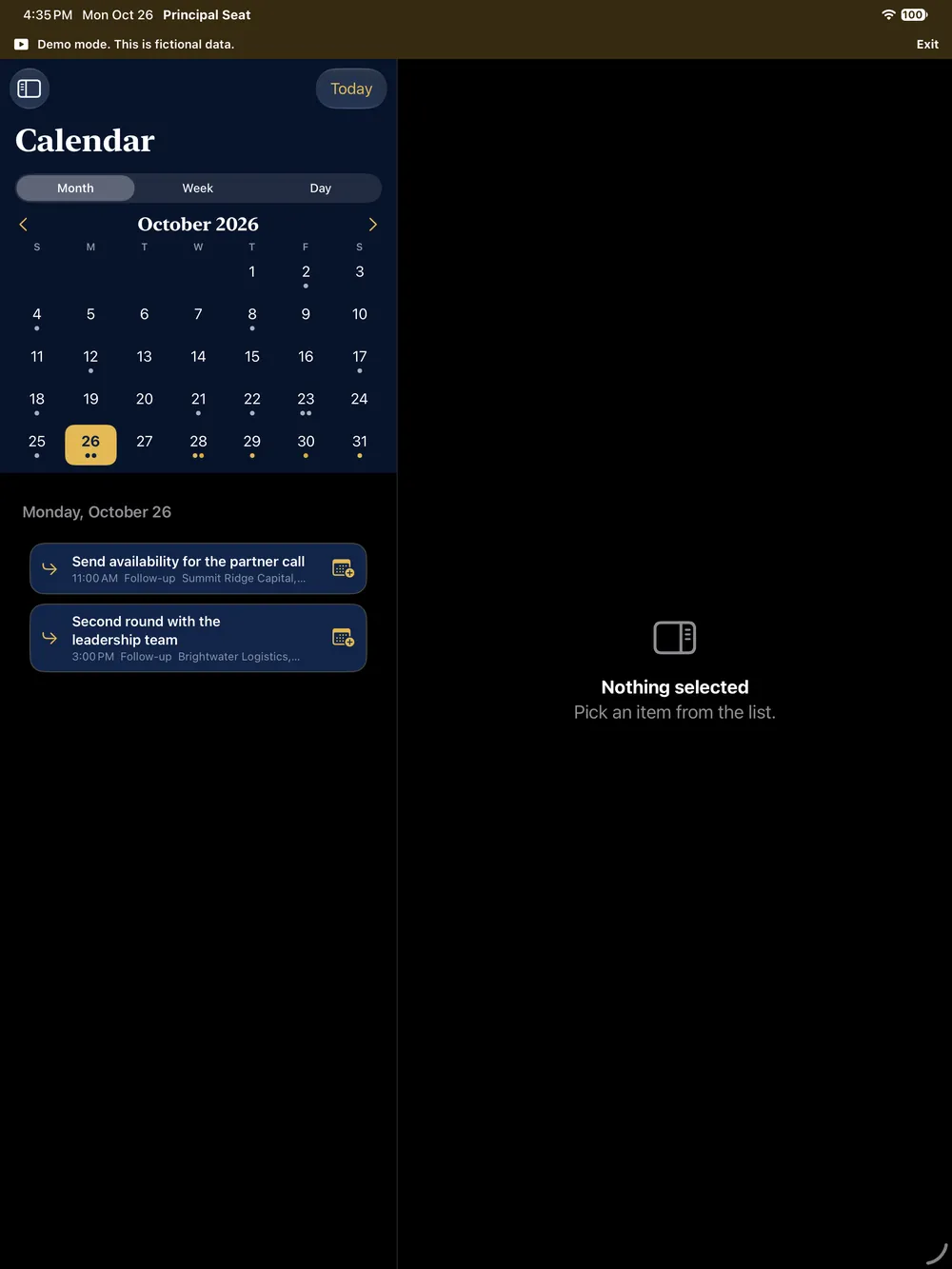
The Calendar on iPad in Month view, with dots on days that have follow-ups and the two items for today listed below
Calendar, Month view
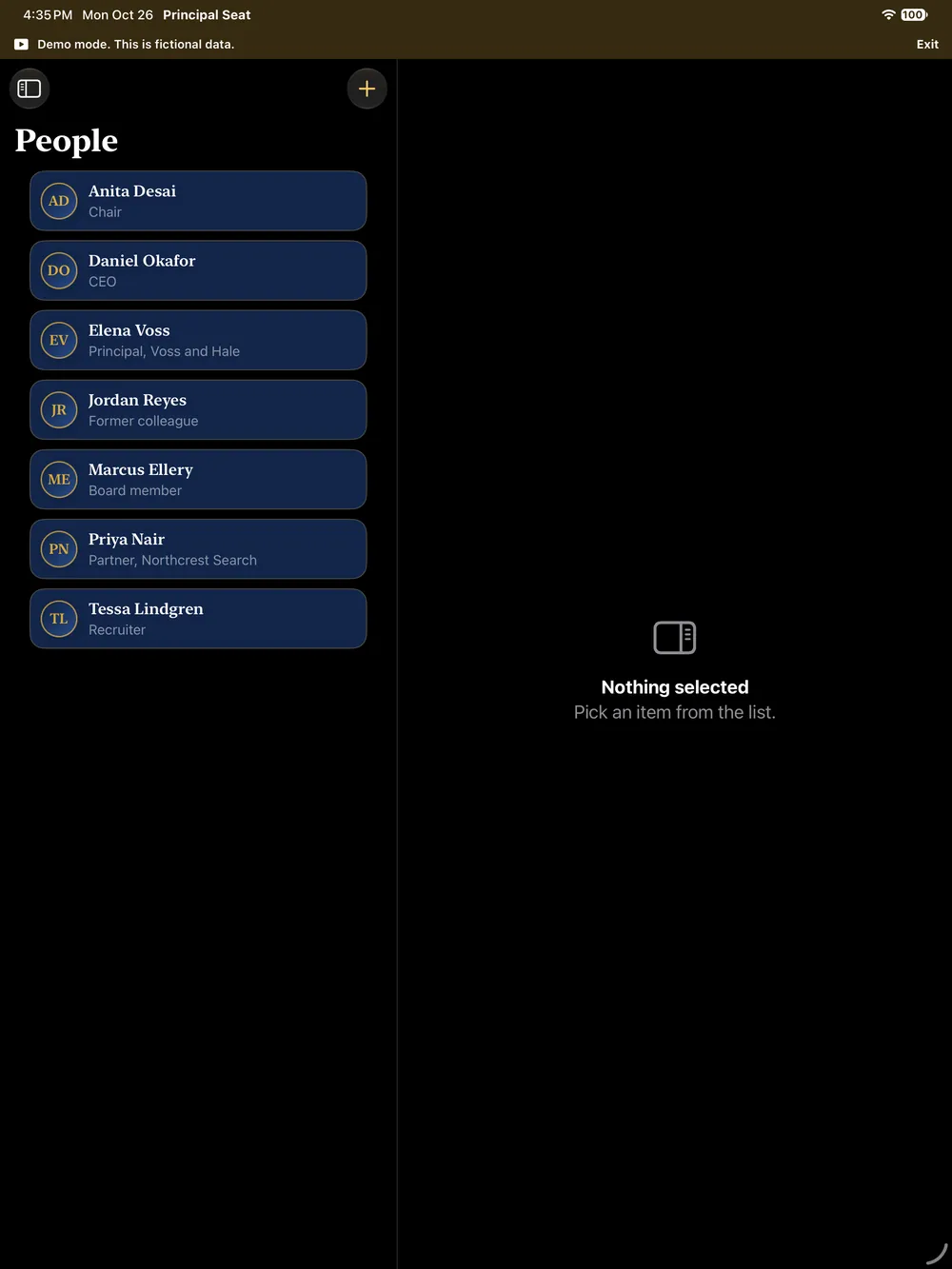
The People list on iPad showing seven fictional contacts
People
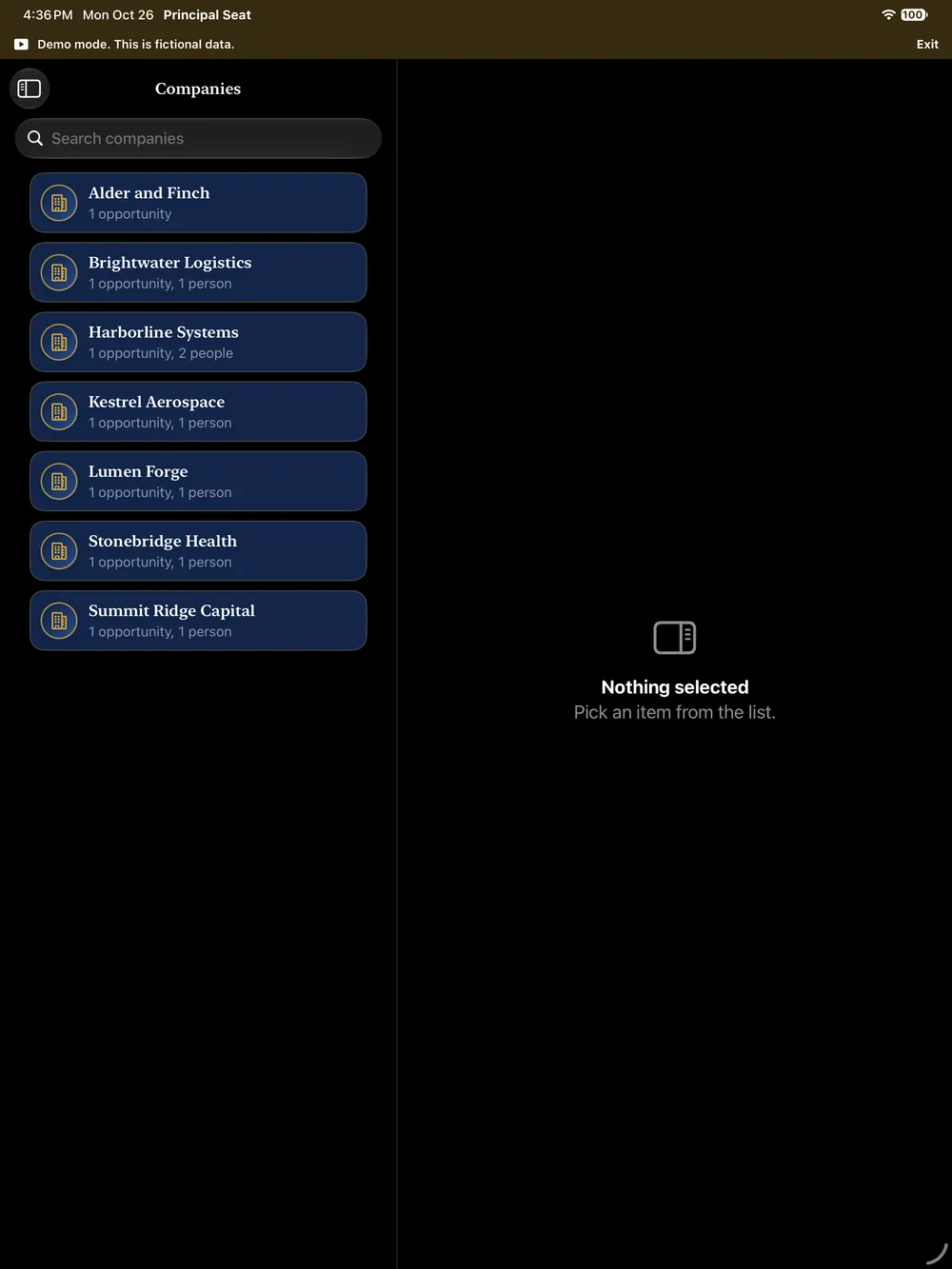
The Companies list on iPad with a search field and seven fictional companies
Companies
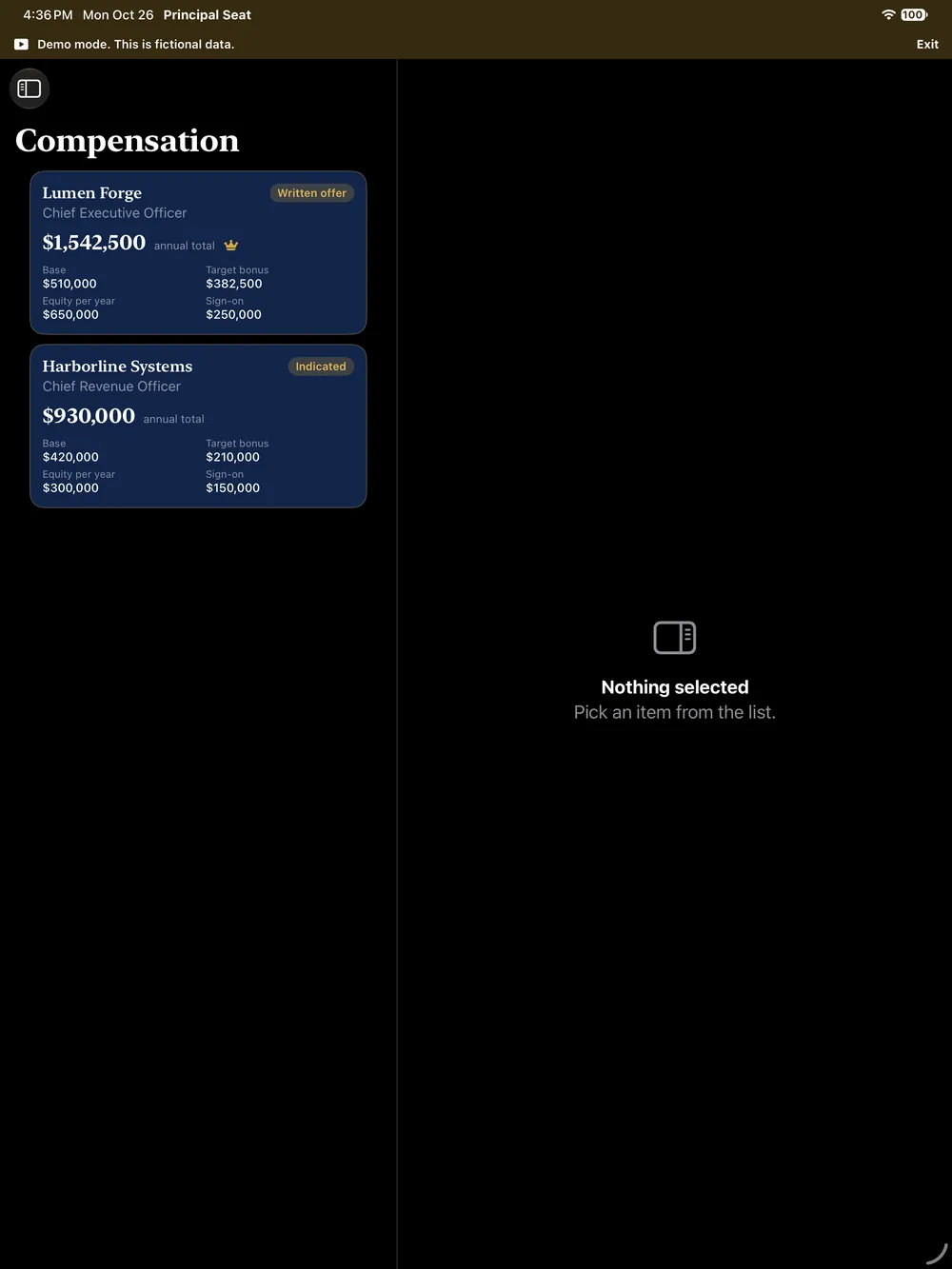
The Compensation screen on iPad with figures for two fictional opportunities shown as cards
Compensation Premium, with fictional figures
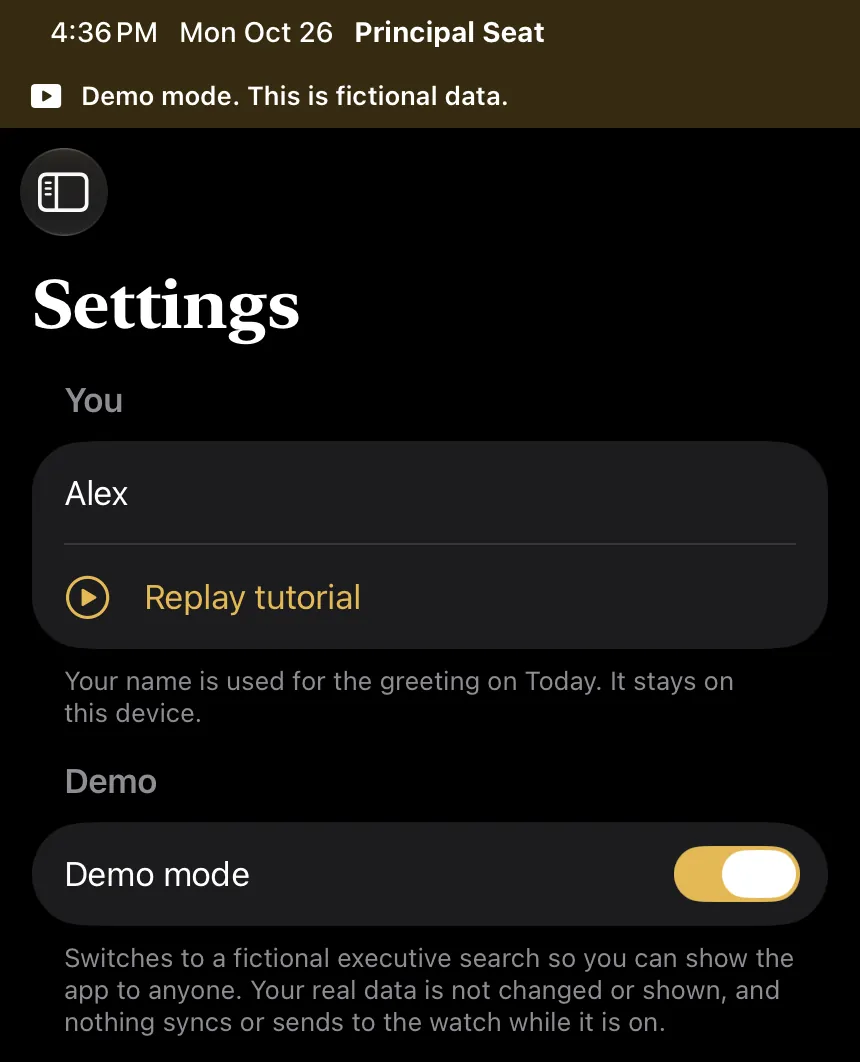
The top of Settings on iPad with the Demo mode switch turned on and its explanation
Settings: switch Demo mode on to show the app with a fictional search